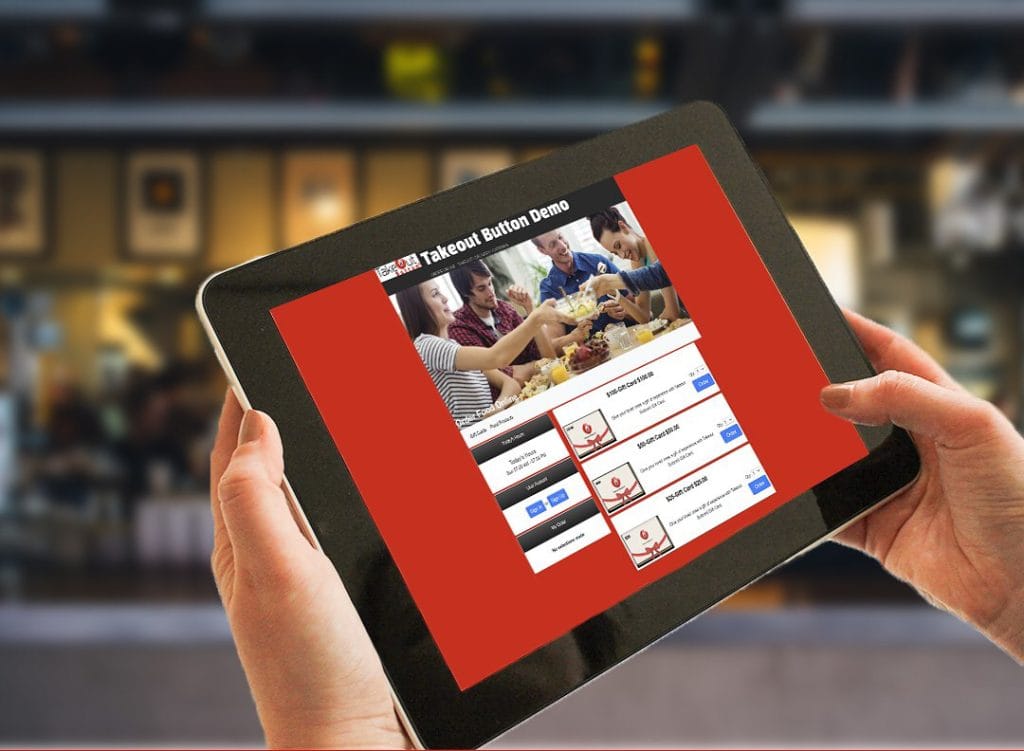
Takeout Button® Live Demo — Test Drive the Ordering Experience
Explore how customers browse menus, place orders, and complete checkout using Takeout Button®.
Interactive demo • No signup required • Explore at your own pace
Built for independent restaurants, cafes, bakeries, and catering operations in the U.S.
Jump to: Online Ordering · Catering · Online Shop
What You’ll Experience in the Demo
Works on mobile, tablet, and desktop — the same way your customers will use it.
×
![]()
Choose a Demo Experience
Not sure which to try? Start with Online Ordering — it covers the core flow. Explore at your own pace.
Start With the Online Ordering Demo
This is the best place to start. See how customers browse your menu, customize items, and check out as a guest — or sign up to save their profile and earn rewards. It’s the same experience your customers get on any device. Learn more about the full online ordering system.
Interactive demo • No signup required • Explore at your own pace
See How Catering Preorders Work
Perfect for restaurants offering large orders and scheduled pickups. Learn more about the full online catering system.
Interactive demo • No signup required • Explore at your own pace
See How Restaurants Sell Gift Cards & Merchandise
Your customers can order gift cards or specialty items and have them shipped anywhere. See how the online shop system works for restaurants.
Interactive demo • No signup required • Explore at your own pace
Customers can check out as guests — or sign up to save their profile, earn loyalty points, and unlock member promo codes.
Restaurants using Takeout Button® manage:
Partner restaurants and caterers see record catering volume during peak holiday seasons.
See How This Works for Your Restaurant
Book a quick strategy call to see how Takeout Button can be configured for your menu, catering workflow, and website.
On your call, we’ll cover:
- Your current menu setup and ordering workflow
- Catering preorder needs (if applicable)
- Website setup and integration options